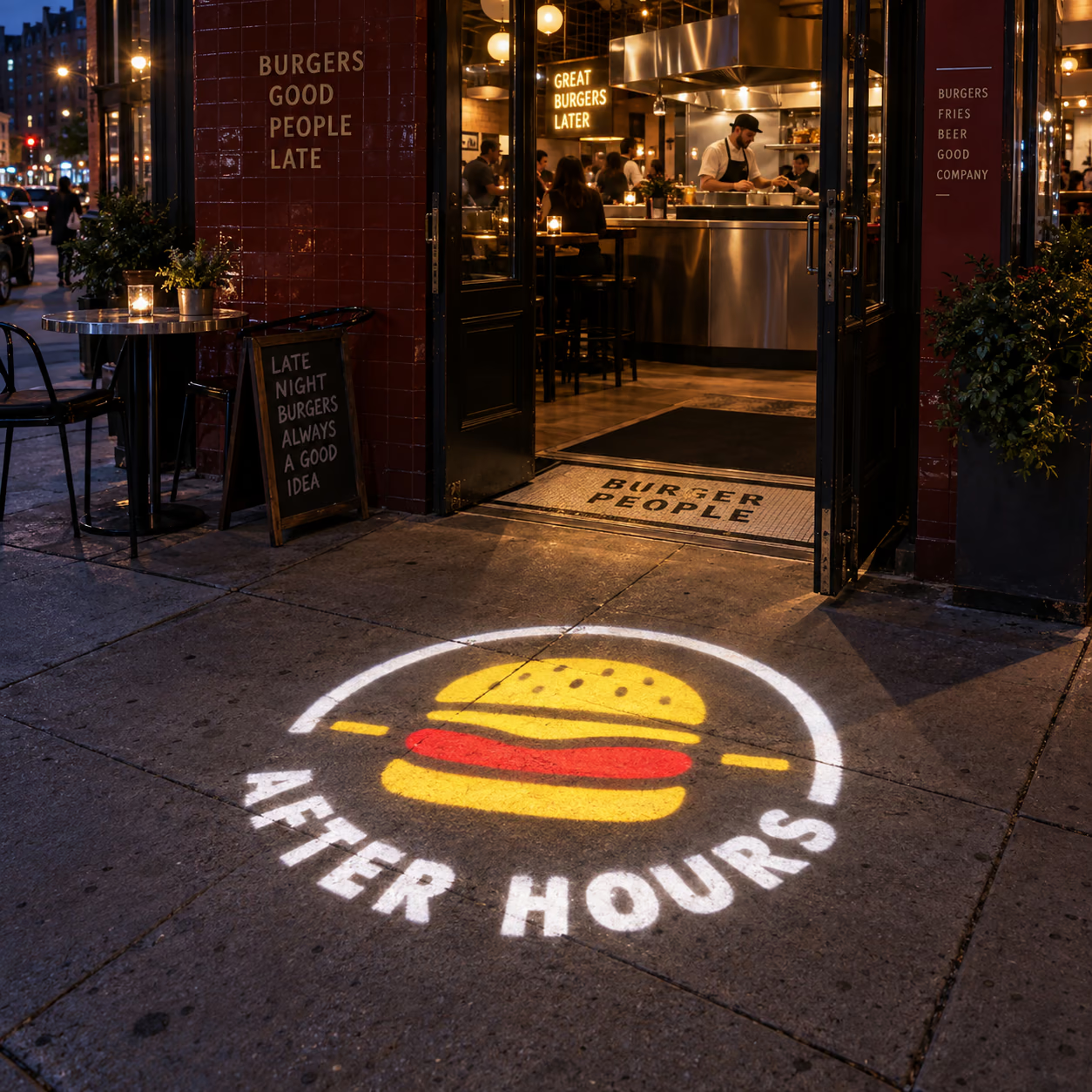
Set the scene. Make it yours.
A hotel welcome, a company identity or a wedding monogram. Project your design into receptions and event spaces, then change the artwork disc when the occasion changes.
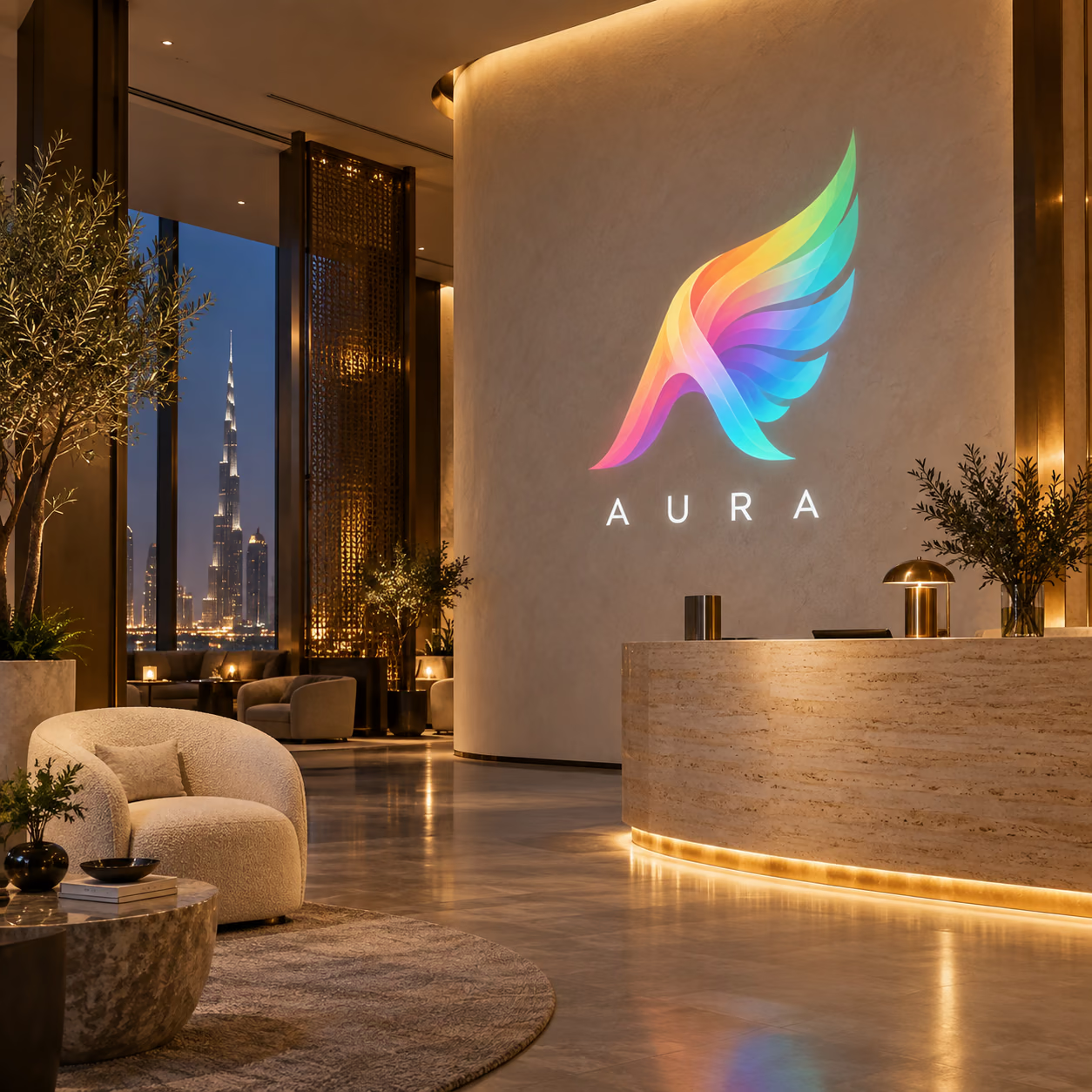
1 / 12 · Hotels & receptions
Choose the light for your space.
Start with your surroundings, then check the distance. More wattage offers more light output; it does not set the size of your logo.
Dim interior / small display
Start with 35–50W for a compact projection with little competing light.
Lit reception / shop interior
Compare 80–150W where room lighting competes with your design.
Evening entrance outdoors
Compare 100–200W and choose outdoor housing if the fixture is outside.
Large wall / longer throw
Explore 200–500W with advice on the lens, image size and ambient light.
These are manufacturer ratings, not measured brightness on your wall. Rated distance does not guarantee visibility. Colour, image size, surface and ambient light matter. Four-logo optics differ; ask us about your intended distance.
| Power | Rated light output | Projection distance |
|---|---|---|
| 35W | 3,600 lm | 2–5 m |
| 50W | 5,500 lm | 2–8 m |
| 80W | 8,800 lm | 3–9 m |
| 100W | 11,000 lm | 3–12 m |
| 150W | 16,000 lm | 3–15 m |
| 200W | 22,000 lm | 4–25 m |
| 300W | 33,000 lm | 4–40 m |
| 500W | 55,000 lm | 5–50 m |
See the difference side by side.
Watch the supplier’s blue-light comparison of 50W, 100W and 150W. The 15W unit shown is a comparison only and is not sold in our range. Camera exposure and test conditions affect the result; this is not a calibrated brightness test.
Colour makes it your brand.
Your included disc can carry simple colours or full-colour artwork, including gradients. A bold logo with clear edges and readable lettering usually translates more clearly than tiny text or fine detail.
White and lighter artwork generally transmits more light. Saturated colours, dark or textured surfaces and nearby lighting can reduce apparent contrast. Colours on a screen will not look identical on every wall.
One full-colour logo disc + delivery included.How big will your logo look?
The lens and lens-to-surface distance determine the image field. Moving farther away usually makes it larger and spreads the light over more area. Wattage alone does not determine width. Give us your distance and desired width in the order notes; we’ll check the lens for your layout.
Aim as square to the surface as possible. A steep angle can stretch the logo; smooth, light-coloured surfaces give a clearer starting point. Through-glass and direct-sunlight installations need advice.
Your space & installation notes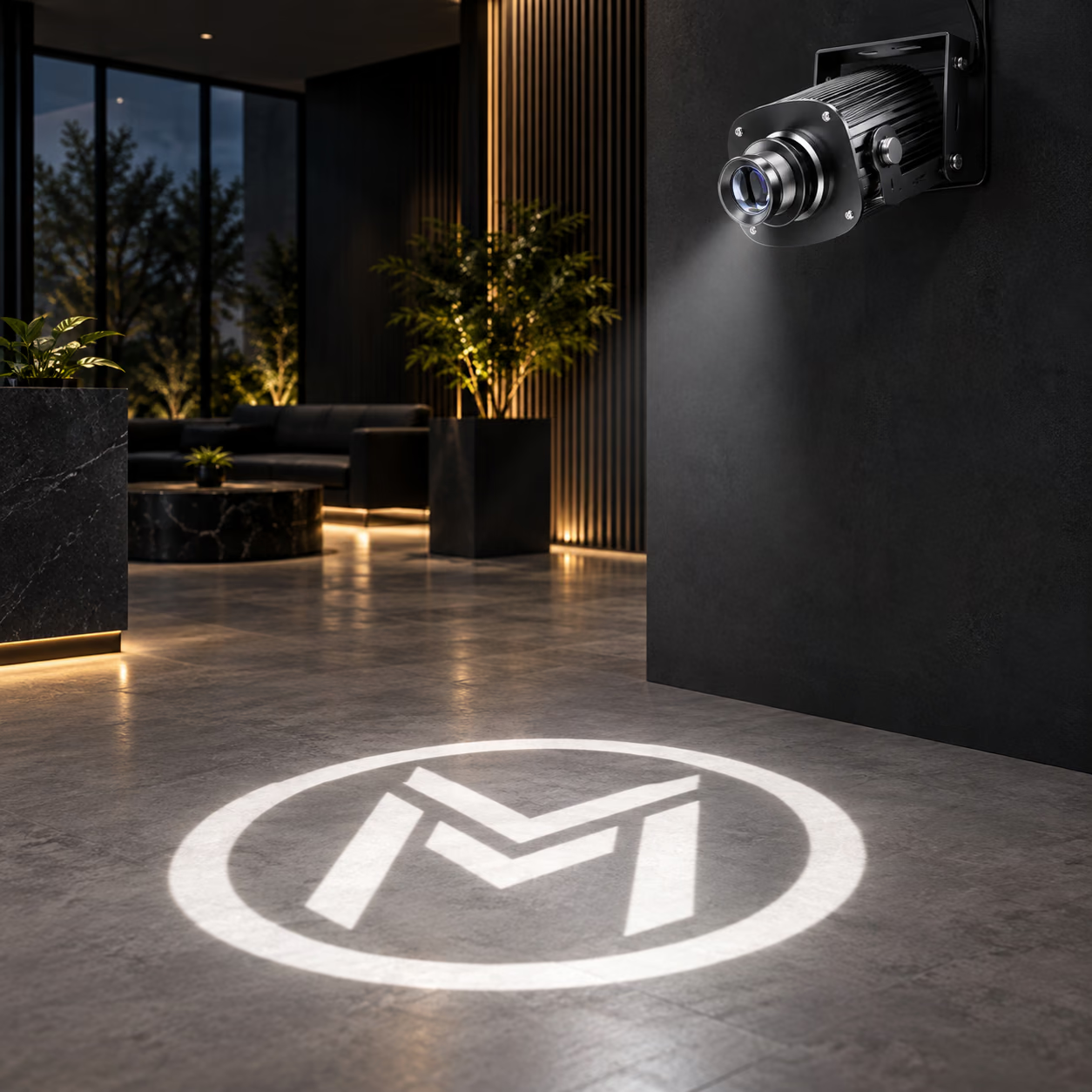
From your file to your front door.
Choose & upload
Select the model, wattage and housing. Upload your logo securely and add any placement details.
Approve your artwork
We review the file and prepare the production artwork for approval before the custom disc is made.
Mount, focus, enjoy
Follow the supplied model instructions for secure mounting, power and focusing. Delivery is included; installation is arranged separately.
Picture it at your place.
Explore six ways to give a business its own focal point. These are design concepts, not customer installation photographs.
3 / 6 · Hotels & receptions
New campaign. Same projector.
Change the compatible artwork disc to display a new logo or event design. The disc carries the image; the optical lens is a separate part. Watch the disc-changing demonstration here.
- Switch off, disconnect power and allow the unit to cool.
- Use the model-specific access instructions. Do not open mains wiring or force the housing.
- Handle the compatible disc by its edges, insert it in the documented orientation and secure the holder.
- Close and reseal the housing as the manual specifies, then refocus the image.
A new design without a new projector
Know your projector before you order.
Have a specific installation in mind? Send us the distance, surface and a photo of the space.
Is this a laser or video projector?
It is an LED gobo projector. Light passes through a physical disc carrying your artwork, then through a lens. It does not play video or accept an app slideshow.
Single-logo or four-logo—which do I need?
Choose single-logo to display one installed design. You can swap compatible discs manually. The four-logo model holds up to four designs; one disc is included and up to three extras can be added. Confirm switching controls with us if you need a specific sequence.
What is included in the price?
Your selected projector, one custom logo disc in any colours, artwork review and delivery. Additional discs are optional. Mounting labour, a different optical lens and site electrical work are not included in this offer.
Can I use my full-colour logo?
Yes. The included disc can be full colour at no additional colour charge. Upload PNG, JPEG, WebP, SVG or PDF up to 20 MB. Use your clearest original file; screenshots and very fine detail may need artwork adjustments.
Will it show in daylight?
Direct sunlight can overwhelm a projection, even at high wattage. Shaded, indoor and after-dark settings are more favourable. For daylight use, contact us with the location, distance and desired image size before choosing.
Can it project onto the floor or a wall?
Yes, onto a suitable surface with a clear light path. Consider people blocking the beam, reflections and mounting angle. Check permission before displaying a projection on public pavement or someone else’s property.
How do I choose indoor or outdoor?
Choose based on where the projector itself is mounted. A fixture outside needs the appropriate outdoor model and weather-protected electrical installation. An outdoor target alone does not determine the housing choice.
Does a more powerful model make a bigger image?
The optical lens and distance set the image field; more power helps illuminate it. We do not promise an exact diameter from wattage. Add your measurements so the lens choice can be reviewed.
Can I change the design later?
Yes, with a compatible replacement disc. Extra discs start at the local equivalent of USD30 for 1–2 colours, USD40 for 1–3 colours and USD50 for full colour. Keep your projector model or order reference for matching.
What about power, mounting and fan noise?
Use the selected model’s power and mounting instructions. Fan-cooled models need ventilation and may be audible in quiet rooms. Ask us to check dimensions, noise, cable and controls for a noise-sensitive or restricted installation.
When will it arrive?
Delivery is included. Timing depends on artwork approval, the model and destination. Tell us your required date before ordering for an event; we’ll confirm a suitable delivery estimate.
What warranty and returns apply?
Contact Neon Motive for the projector-specific warranty and support terms before purchase. Custom artwork is made for your order; read our returns policy. Your statutory rights are unaffected.
Do I need to pay for a quote first?
No. Standard projector models have fixed prices: choose your options and use Add to cart or Buy now. Light boxes and 3D signs use a separate custom-quote process.