MOTIVEBEAM ACCESSORIES

A new design for your projector.

Refresh a compatible projector for an event, promotion or rebrand. Tell us the exact projector model and upload the artwork so we can match the disc to its holder.
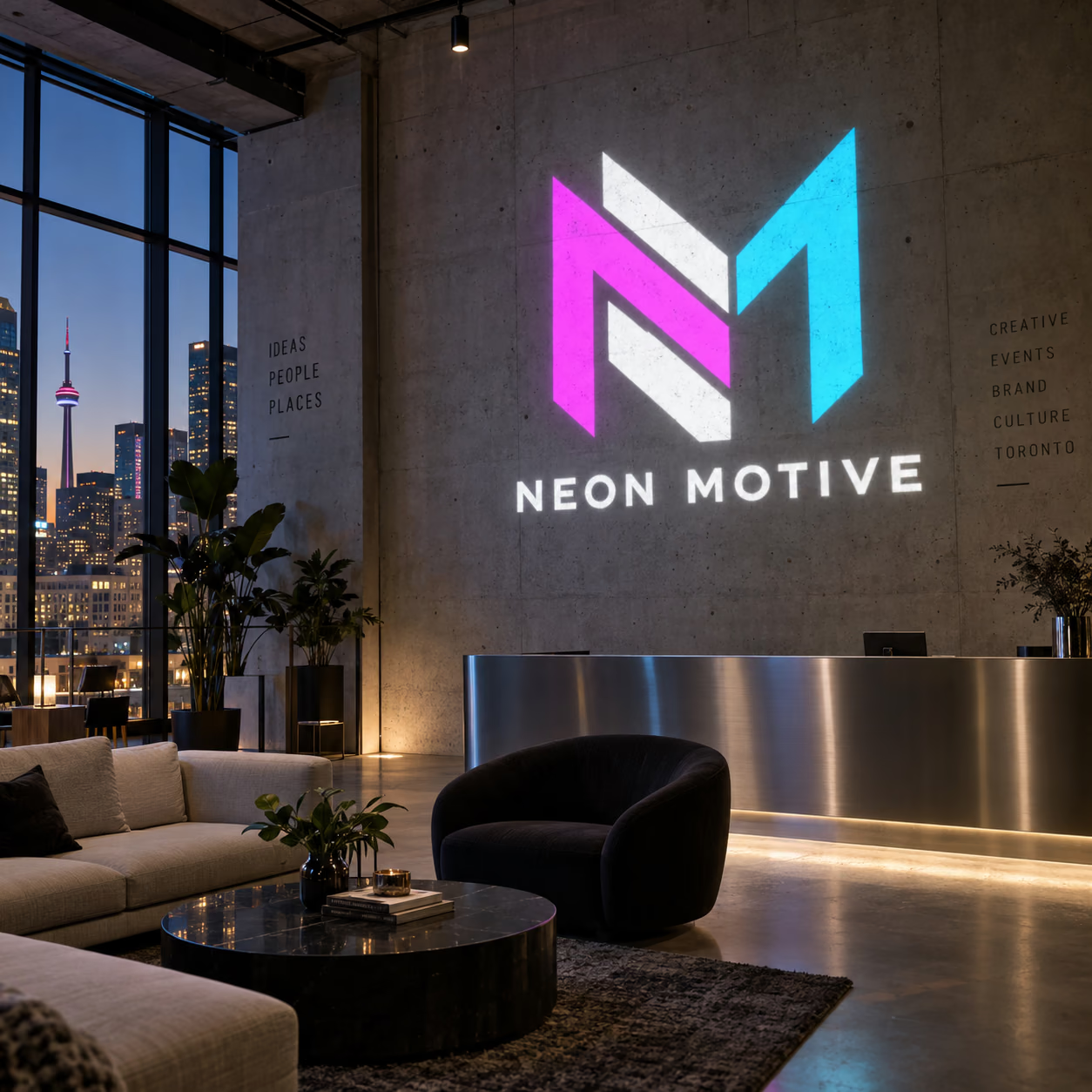
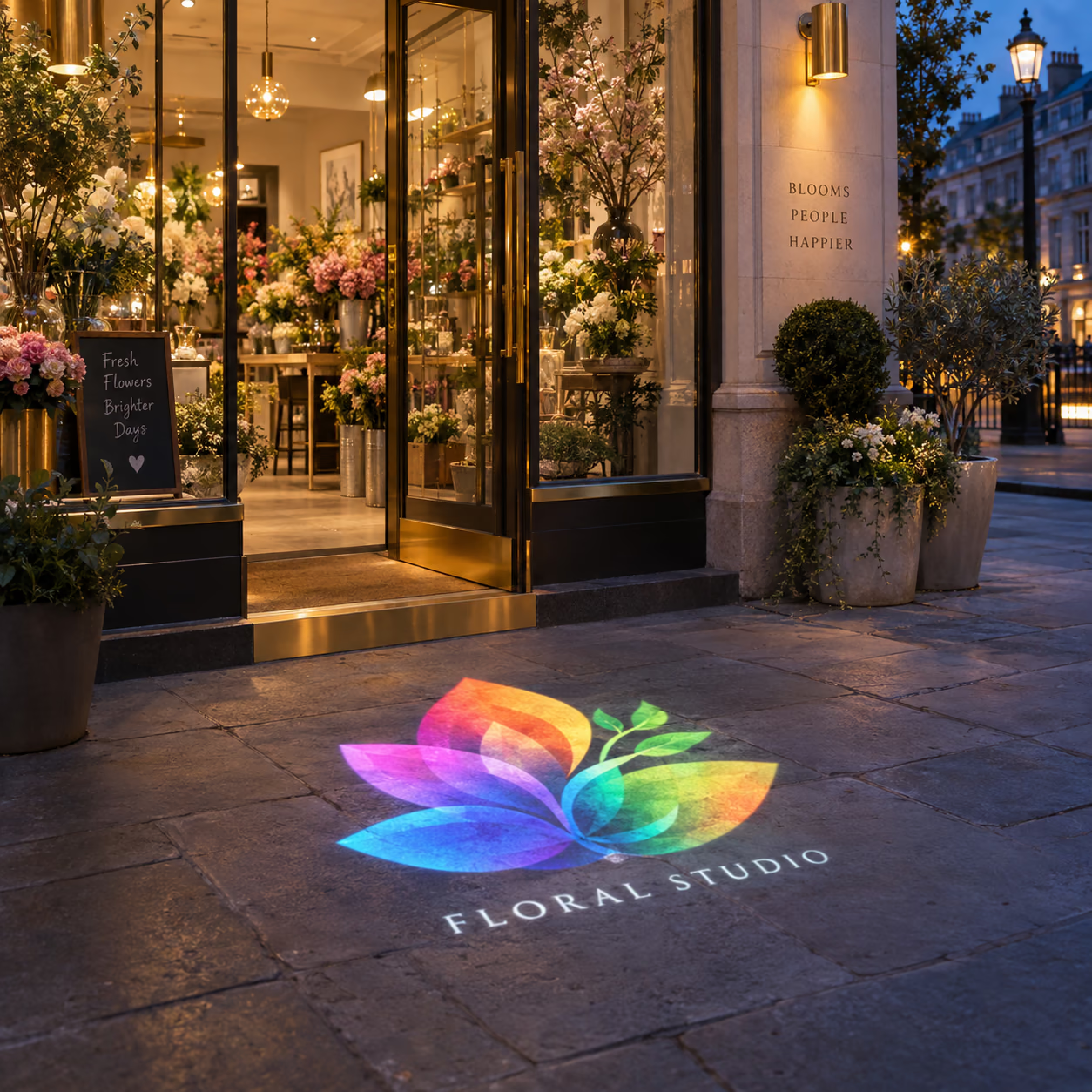
  • Model compatibility checked
  • Private artwork review
  • Individual design slots
Illustrative business signage concept
Illustrative visualisation. Your artwork and installation are confirmed individually.
Illustrative business signage concept
Illustrative visualisation. Final hardware and artwork are confirmed for your order.

THE RIGHT FIT

Your artwork, matched to your hardware

A gobo disc is not universal. Its holder size and usable image area must match your projector. If you do not know the model, find the label or share a photo and we’ll help identify it. A disc changes the design; it does not replace the optical lens or the projector.

Read the projector planning guide

MOTIVEBEAM

How to change the artwork disc

This demonstration shows how the disc fits into one projector model. The disc carries the logo; the lens controls the projection geometry. Follow the manual for your exact model before opening it.

How to change your logo disc Disc-change example. Follow the instructions for your projector model.
Demonstration of opening a projector and changing its artwork disc

FROM IDEA TO PROOF

Three clear steps

01

Identify the projector

Provide the model or previous order reference so compatibility can be verified.

02

Choose the artwork

Order the same design on multiple discs or upload a separate file for each new design.

03

Review before production

We’ll check the artwork and disc compatibility before production.

Good to know

Is this a replacement lens?

No. A gobo disc carries the projected design. Ask us separately about a lens if you need a different image size.

Can I use this with another brand?

We need the exact projector model and holder specification before confirming compatibility.

START YOUR PROJECT

Configure your MotiveBeam

The disc is produced only after we verify the projector model and holder compatibility.

No neon-only size or backboard choices.

Each distinct design has its own upload.

Configure your MotiveBeam

We check disc compatibility against the model or earlier order before production.

01

Great choice. Now bring your artwork to life.

Drop your logo here or browse your device. We’ll review it before production.

Upload logo artwork

Quantity & additional logo discs

Quantity
1

Quick answers before you order

Can I order extra projection discs?

Yes. One custom full-colour disc is included. Add compatible spare discs now or order more later.

How do I change the design?

Switch off the projector, follow the model guide to change the compatible artwork disc, refit the holder and refocus if needed.

Where can I use it?

Use it on a suitable wall or floor in shops, cafés, hotels, salons, events and other approved spaces. Evening, indoor and shaded settings give stronger contrast.

Which wattage should I pick?

Use the wattage examples above. Higher ambient light and longer throws usually need more output.

Your price$30.00