
Exactly the finishing touch
Put our barbershop logo on the wall by the chairs. It gives the place a proper finished look once the lights are turned down.
Ethan Miller · United StatesImported product review.Display one installed logo. Swap compatible artwork discs when your message changes. Choose 35–500W, indoor or outdoor.
1 / 27 · Shops & restaurants · TUJO
Welcome guests, put your brand in view or build a projection service for your own clients. Pick the model for the space, then make the artwork yours.
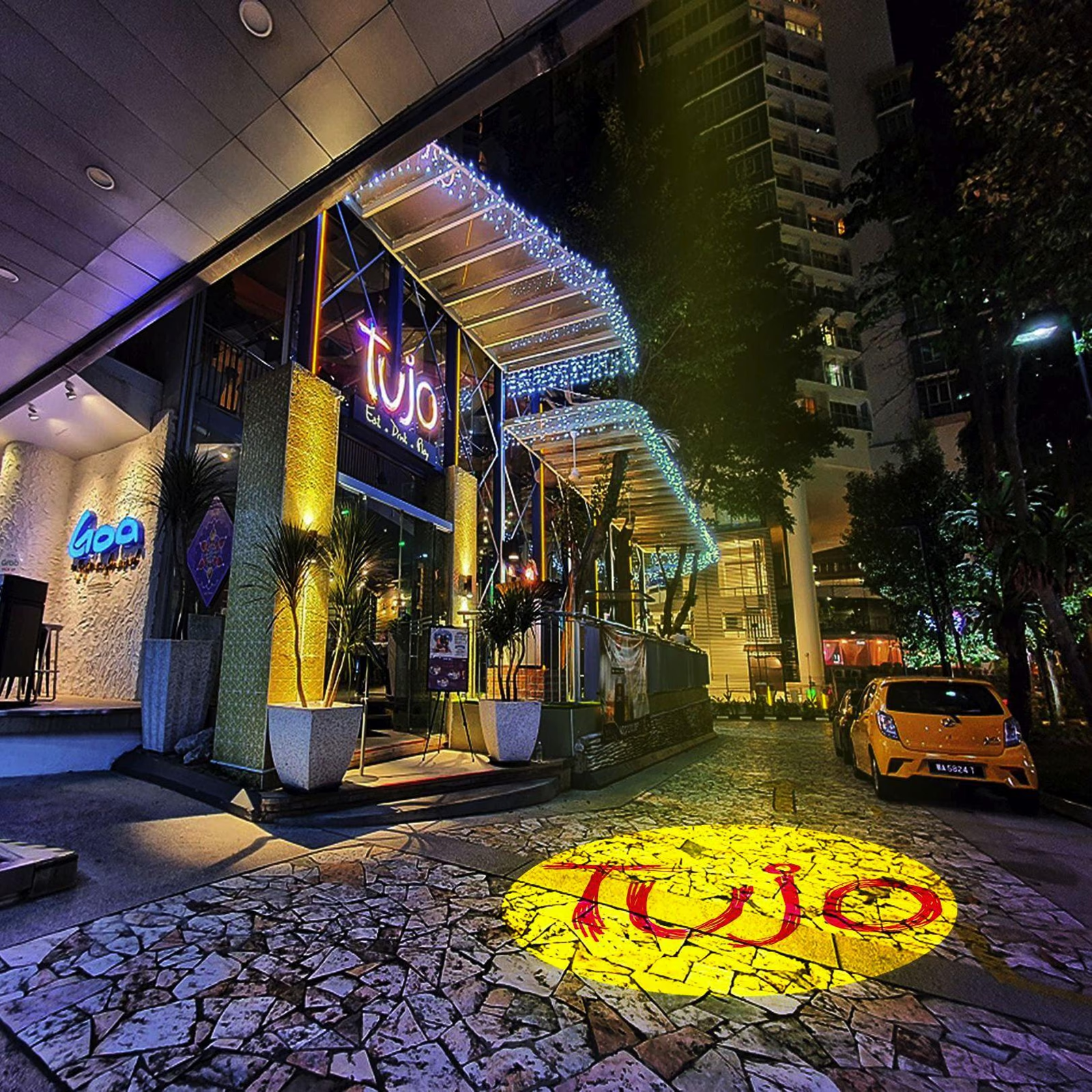
Give passers-by a reason to look. Project your logo onto an entrance wall or evening pavement, then change the disc for a seasonal campaign.
Projection demonstration · results depend on your installationStart with your surroundings, then check the distance. More wattage offers more light output; it does not set the size of your logo.
For a well-lit or shaded daytime space, choose higher wattage and check your distance with us. Direct bright sunlight can wash out even a powerful projection.
Start with 35–50W for a compact projection with little competing light.
Compare 80–150W where room lighting competes with your design.
Compare 100–200W and choose outdoor housing if the fixture is outside.
Explore 200–500W with advice on the lens, image size and ambient light.
Use these approximate lens-to-surface distances to compare our single-logo models. Image width depends on the lens. Artwork colour, image size, surface and ambient light affect the brightness you see. For a four-logo projector, ask us to check the optics for your space.
| Power | Rated light output | Projection distance |
|---|---|---|
| 35W | 3,600 lm | 2–5 m |
| 50W | 5,500 lm | 2–8 m |
| 80W | 8,800 lm | 3–9 m |
| 100W | 11,000 lm | 3–12 m |
| 150W | 16,000 lm | 3–15 m |
| 200W | 22,000 lm | 10–25 m |
| 300W | 33,000 lm | 15–35 m |
| 500W | 55,000 lm | 22–50 m |
See 50 W, 100 W and 150 W side by side in blue light. The video also includes a 15 W unit for comparison. Camera exposure and lighting conditions affect how bright each one looks.
Your included disc can carry simple colours or full-colour artwork, including gradients. A bold logo with clear edges and readable lettering usually translates more clearly than tiny text or fine detail.
White and lighter artwork generally transmits more light. Saturated colours, dark or textured surfaces and nearby lighting can reduce apparent contrast. Colours on a screen will not look identical on every wall.
One full-colour logo disc + delivery included.The lens and lens-to-surface distance determine the image field. Moving farther away usually makes it larger and spreads the light over more area. Wattage alone does not determine width. Contact us if you need help choosing a lens for your layout.
Aim as square to the surface as possible. A steep angle can stretch the logo; smooth, light-coloured surfaces give a clearer starting point. Through-glass and direct-sunlight installations need advice.
Configure & buy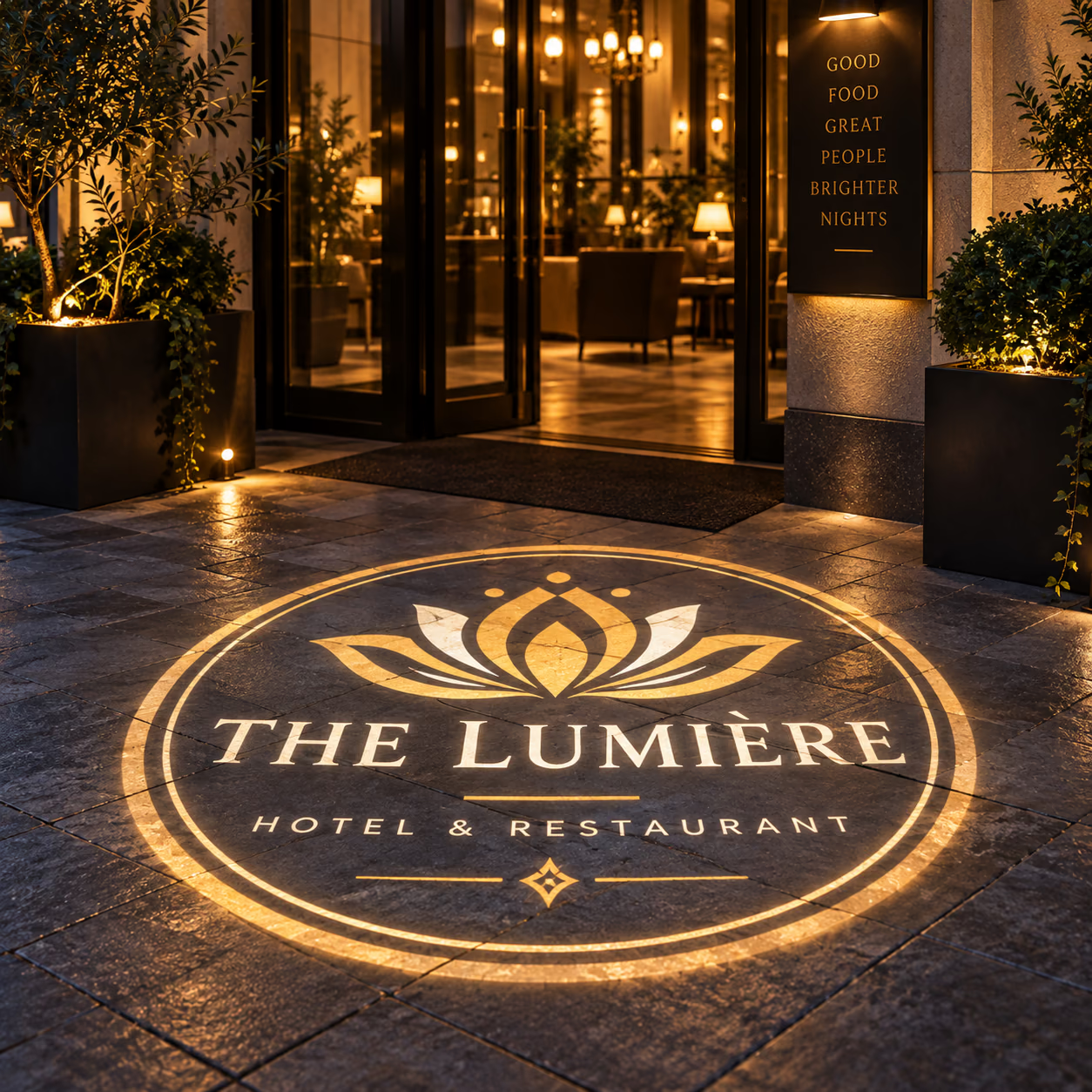
Select the model, wattage and housing. Upload your logo securely, then add your projector to the cart.
We review the file and prepare the production artwork for approval before the custom disc is made.
Follow the supplied model instructions for secure mounting, power and focusing. Delivery is included; installation is arranged separately.
Explore ways to give your business its own focal point. These are design concepts, not customer installation photographs.
1 / 21 · Shops & restaurants · TUJO
Change the compatible artwork disc to display a new logo or event design. The disc carries the image; the optical lens is a separate part. Watch the disc-changing demonstration here.
Have a specific installation in mind? Send us the distance, surface and a photo of the space.
It is an LED gobo projector. Light passes through a physical disc carrying your artwork, then through a lens. It does not play video or accept an app slideshow.
The MotiveBeam Gobo Logo Projector displays one installed design and lets you swap compatible discs manually. The four-logo model holds up to four designs; one disc is included and up to three extras can be added. Confirm switching controls with us if you need a specific sequence.
Your selected projector, one custom logo disc in any colours, artwork review and delivery. Additional discs are optional. Mounting labour, a different optical lens and site electrical work are not included in this offer.
Yes. The included disc can be full colour at no additional colour charge. Upload PNG, JPEG, WebP, SVG or PDF up to 20 MB. Use your clearest original file; screenshots and very fine detail may need artwork adjustments.
For a well-lit or shaded daytime space, choose higher wattage and check your distance with us. Direct bright sunlight can wash out even a powerful projection.
Yes, onto a suitable surface with a clear light path. Consider people blocking the beam, reflections and mounting angle. Check permission before displaying a projection on public pavement or someone else’s property.
Choose based on where the projector itself is mounted. A fixture outside needs the appropriate outdoor model and weather-protected electrical installation. An outdoor target alone does not determine the housing choice.
The optical lens and distance set the image field; more power helps illuminate it. We do not promise an exact diameter from wattage. Add your measurements so the lens choice can be reviewed.
Yes, with a compatible replacement disc. Extra discs start at the local equivalent of USD30 for 1–2 colours, USD40 for 1–3 colours and USD50 for full colour. Keep your projector model or order reference for matching.
Use the selected model’s power and mounting instructions. Fan-cooled models need ventilation and may be audible in quiet rooms. Ask us to check dimensions, noise, cable and controls for a noise-sensitive or restricted installation.
MotiveBeam delivery is estimated at 7–10 business days in total to major destinations after payment and artwork approval. Processing and disc production take 1–3 business days, followed by approximately 6–7 business days of courier transit. Production is included in the total, not added on top. Other or remote destinations may take around 15 business days in total, including production. Weekends and public holidays are excluded. Time waiting for artwork or approval is additional. These are estimates, not guaranteed dates; customs or courier disruption can cause delays. Tell us your event date before ordering.
MotiveBeam has a two-year manufacturing-defect warranty from delivery under normal use. Standard hardware has a 30-day change-of-mind return window; personalised artwork discs are excluded where lawful. Contact Neon Motive for a fault assessment and return instructions. Read the warranty and returns policies for coverage, exclusions and remedies. Your statutory rights are unaffected.
No. Standard projector models have fixed prices: choose your options and use Add to cart or Buy now. Light boxes and 3D signs use a separate custom-quote process.
No. Every order we accept uses DDP (Delivered Duty Paid) delivery. Online ordering is available only for destinations currently enabled at checkout. Import duties, import taxes and customs clearance are covered in your order total, so there is nothing extra to pay on arrival. If a courier asks you to pay an import charge, contact us before paying so we can resolve it with our delivery partner.
Yes. A compatible custom disc can carry a monogram, logo or event artwork. Match the model and housing to each venue, get permission to use the artwork, and allow time for disc production. Extra discs let you reuse the equipment.
Use them as an additional visual cue only. They do not replace required permanent signs, barriers or other safety controls. Check visibility, mounting and your site's requirements before installation.
You can offer installation, event hire or projection campaigns, with compatible discs for each client's artwork. Agree permissions, setup and service fees with the client. Revenue depends on the work you win; it is not guaranteed.
A gobo projects light; it cannot paint black onto a surface. Opaque areas block light, while clear or lighter areas transmit it. White text on a blocked background and a bright background with dark lettering create different effects. Upload the original artwork and tell us which parts should be illuminated. We will review the disc artwork with you; a digital proof does not guarantee on-site brightness.
Yes. Artwork review is included. Bold shapes and readable lettering generally work better than tiny text or fine detail; light colours usually transmit more light than saturated colours. We review the production artwork before making a personalised disc. Tell us if you need a proof or changes before production proceeds.
Choose using the lens-to-surface distance, desired image width, ambient light, surface colour and fixture position. The guide suggests comparing 80–150W in lit interiors and 100–200W for evening entrances, with outdoor housing when the fixture is outside. More wattage alone does not establish a suitable setup. Send a photo and measurements for a model-specific recommendation.
50 feet is approximately 15.2 metres. Image width depends on the exact optical lens and throw distance, not wattage alone. Brightness also depends on image area, artwork, surface and ambient light. Send the desired width, installation photo and lighting conditions so we can confirm the model and lens; we do not guarantee a particular diameter or brightness from distance alone.
Do not assume discs are universal. We need the exact projector model, disc diameter and holder specification before confirming compatibility with an existing gobo. A gobo is the physical artwork disc, not a digital screen or the optical lens. Use compatible replacement discs and follow your model's instructions.
Tell us that you require a stationary image before ordering. Confirm the rotation controls for the exact model and wattage; do not assume every model has the same switch or remote. Single-logo rotation and a four-logo model's design switching are different features.
The fixture must be securely supported, ventilated and installed according to the exact model's instructions. Ground placement, stand and truss mounting need suitable hardware and site-specific checks. Tell us the intended mounting method before buying; a projector purchase does not automatically include a stand, truss clamp, safety cable or installation service.
The displayed price includes the selected projector, one custom artwork disc, artwork review and delivery. Ask us to confirm the supplied bracket and fixing kit for the exact model. Additional stands, truss equipment, alternative lenses, mounting labour and site electrical work should not be assumed included.
Follow the focusing procedure in the supplied model guide and refocus after a compatible disc change or repositioning. The adjustment method and usable range depend on the model and lens. Focus does not make every distance suitable or replace selecting the correct optical lens.
Select outdoor when the projector itself will be installed outside. An outdoor option alone is not confirmation of a particular IP rating. Ask us for the documented rating of your exact model before purchase, and plan weather-protected mains connections. Do not assume immersion, pressure washing or exposed connectors are covered.
Confirm the cable length and plug supplied for the exact projector and destination before ordering if this is important to your installation. Do not assume every wattage has the same cable or that a stand, extension lead or adaptor is included. Use properly rated power equipment and follow the model's electrical instructions.
The selected wattage identifies the model; it is not a complete specification for a venue circuit, generator or battery setup. Request the exact rated input voltage, frequency, total input power and any starting-current requirements. Your venue or installer should size the supply for all equipment on the circuit.
Do not assume a flight case or reusable transport case is included. Ask us to confirm packaging and case options for the exact model, especially for touring or event hire. Inspect packaging on arrival and use suitable protective packing when transporting the projector again.
Each projector includes one custom artwork disc. Select the correct quantity and upload the required designs. Extra discs are separate items; a single-logo model shows one installed disc at a time. Check the current configuration and total in the cart rather than relying on a price quoted for a different model or date.
Neon Motive is a South African business. Our products are made and dispatched by our production and fulfilment partner in China, as stated in our shipping policy. A local storefront currency does not mean local warehouse stock. Contact us to confirm the delivery estimate for your order.
Tell us your destination and required date before ordering so we can review feasibility. The published estimate to major destinations is 7–10 business days total after payment and required artwork approval, including production; remote destinations may take around 15 business days total. Artwork waiting is additional. These are estimates, not a guaranteed event deadline.
We do not promise a fixed customs-clearance time. Clearance depends on the destination, paperwork and checks and can cause delays. DDP covers import duties, import taxes and clearance charges in the accepted order total; it does not mean clearance is instantaneous. Follow your shipment tracking and contact us if the carrier requests payment or extra information.
The website upload accepts PNG, JPEG, WebP, SVG or PDF up to 20 MB per artwork file. Export your Illustrator artwork as a suitable PDF or SVG, or a clear high-resolution image, for upload. Do not rename an .ai file to another extension. Contact us if you need help preparing the production artwork.
Put our barbershop logo on the wall by the chairs. It gives the place a proper finished look once the lights are turned down.
Ethan Miller · United StatesImported product review.We use it near the café entrance in the evenings. People notice the logo straight away, which is exactly what I wanted.
Olivia Parker · United StatesImported product review.The projection is crisp in the evening. With our front lights on full, it loses a little punch. Still a solid addition.
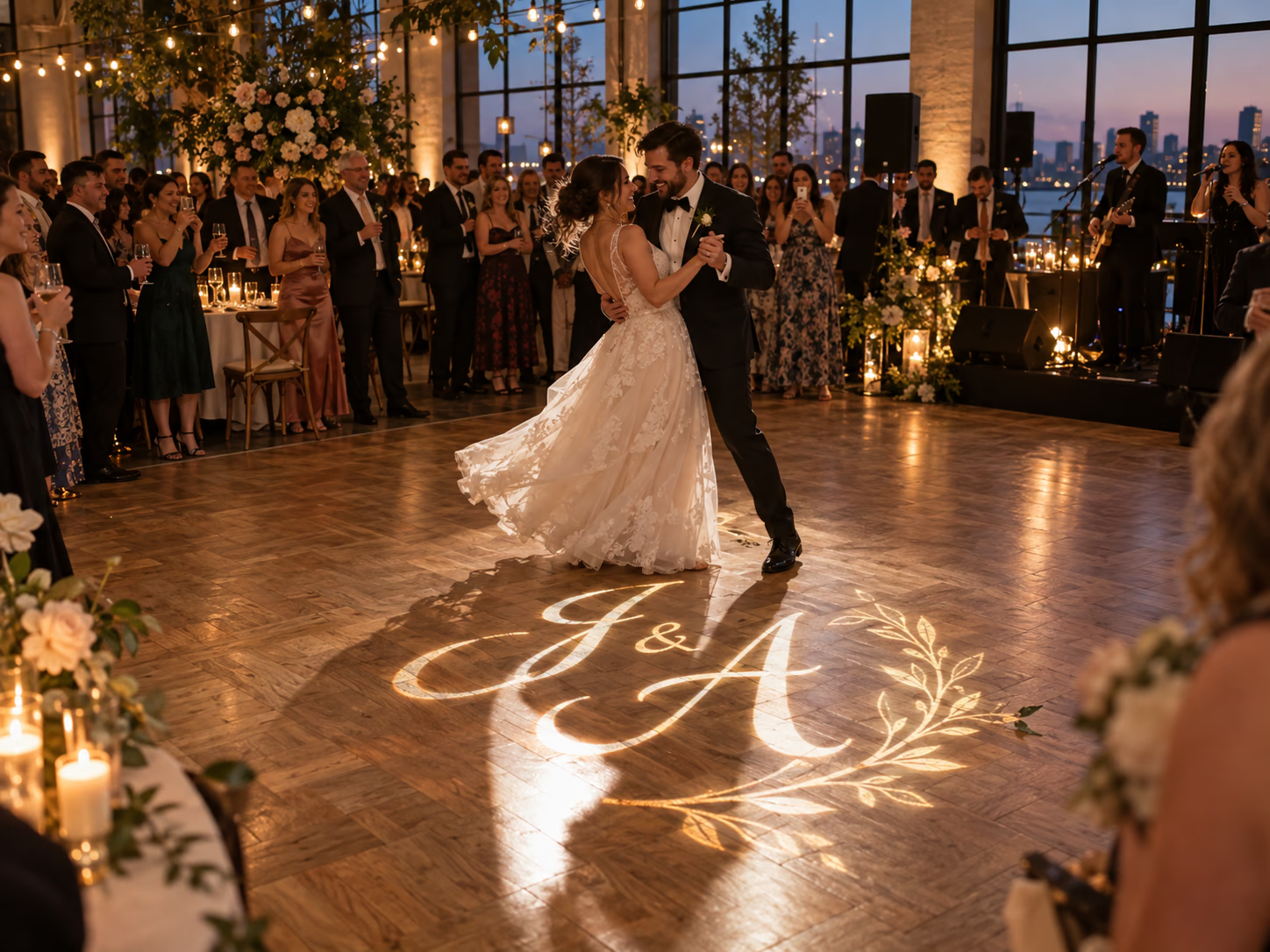
Mason Brooks · United StatesImported product review.Had our monogram made for a wedding backdrop and it looked lovely in photos. Such a small detail but it made the room feel personal.
Natalie Reed · United StatesImported product review.I was worried our logo would look blurry, but after adjusting the focus the lettering came out nicely. Very pleased.
Daniel Foster · United StatesImported product review.The result looks great. Our original file had very tiny lettering and we ended up using a cleaner version. Worth doing that first.
Chloe Bennett · United StatesImported product review.We point it at a clear patch of floor just inside the door. Simple idea and it looks way more polished than I expected.
Aaron Mitchell · United StatesImported product review.Our bakery logo has a few different colors and I was happy we didn't have to settle for a plain white design. Looks sweet.
Maya Rodriguez · United StatesImported product review.Once it was positioned correctly it looked fantastic. Getting the angle right took us a bit longer than planned.
Caleb Johnson · United StatesImported product review.Used it at a small gallery opening. More than one guest asked where the projected logo came from. That says enough for me.
Sophia Adams · United StatesImported product review.Installed in our gym reception and it makes the plain wall much more interesting. Exactly the effect we were after.
Jacob Rivera · United StatesImported product review.Our bold shapes look great. The really fine print in the corner is harder to read from across the room, so keep that in mind.
Emily Carter · United StatesImported product review.