
MOTIVEBEAM · HOW TO
How to change the artwork disc
This supplier video shows one projector model. The disc carries the logo; the lens controls the projection geometry. Follow the manual for your exact model before opening it.
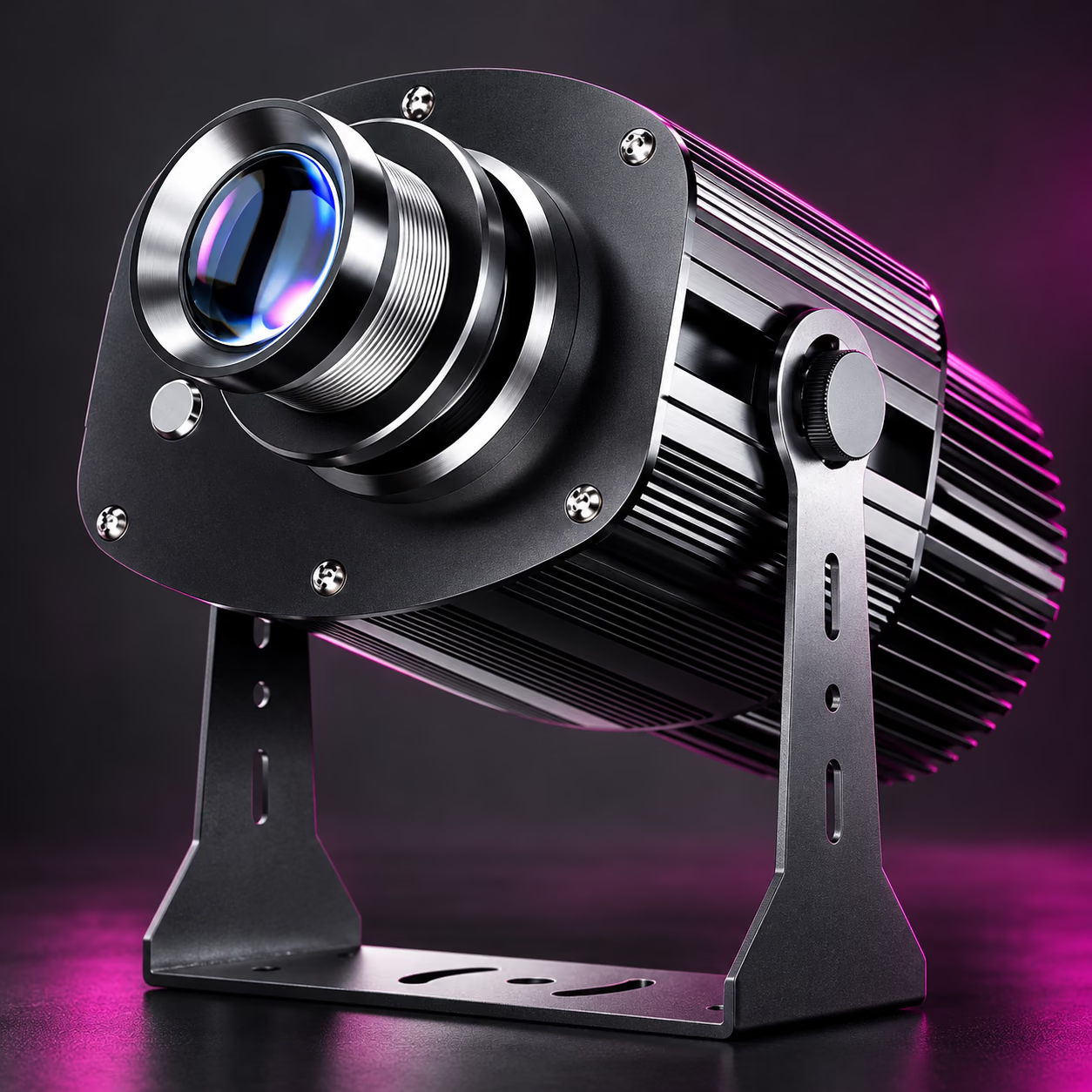
How to change the artwork disc
- Switch off, disconnect power and allow the unit to cool.
- Use the model-specific access instructions. Do not open mains wiring or force the housing.
- Handle the compatible disc by its edges, insert it in the documented orientation and secure the holder.
- Close and reseal the housing as the manual specifies, then refocus the image.
Need a different projection size? That may require a compatible optical lens, which is separate from the artwork disc. Ask our team to confirm the correct part and procedure for your model.